




LG CreateBoard 65TR3DK-B Collaboration Display
On back-order, will ship once in-stock
- All Locations: (0+)
- Vancouver, BC (1+)
| Manufacturer | LG Electronics |
| Manufacturer Part Number | 65TR3DK-B.MUSQ |
| Brand Name | LG |
| Product Model | 65TR3DK-B.MUSQ |
| Product Name | CreateBoard 65TR3DK-B Collaboration Display |
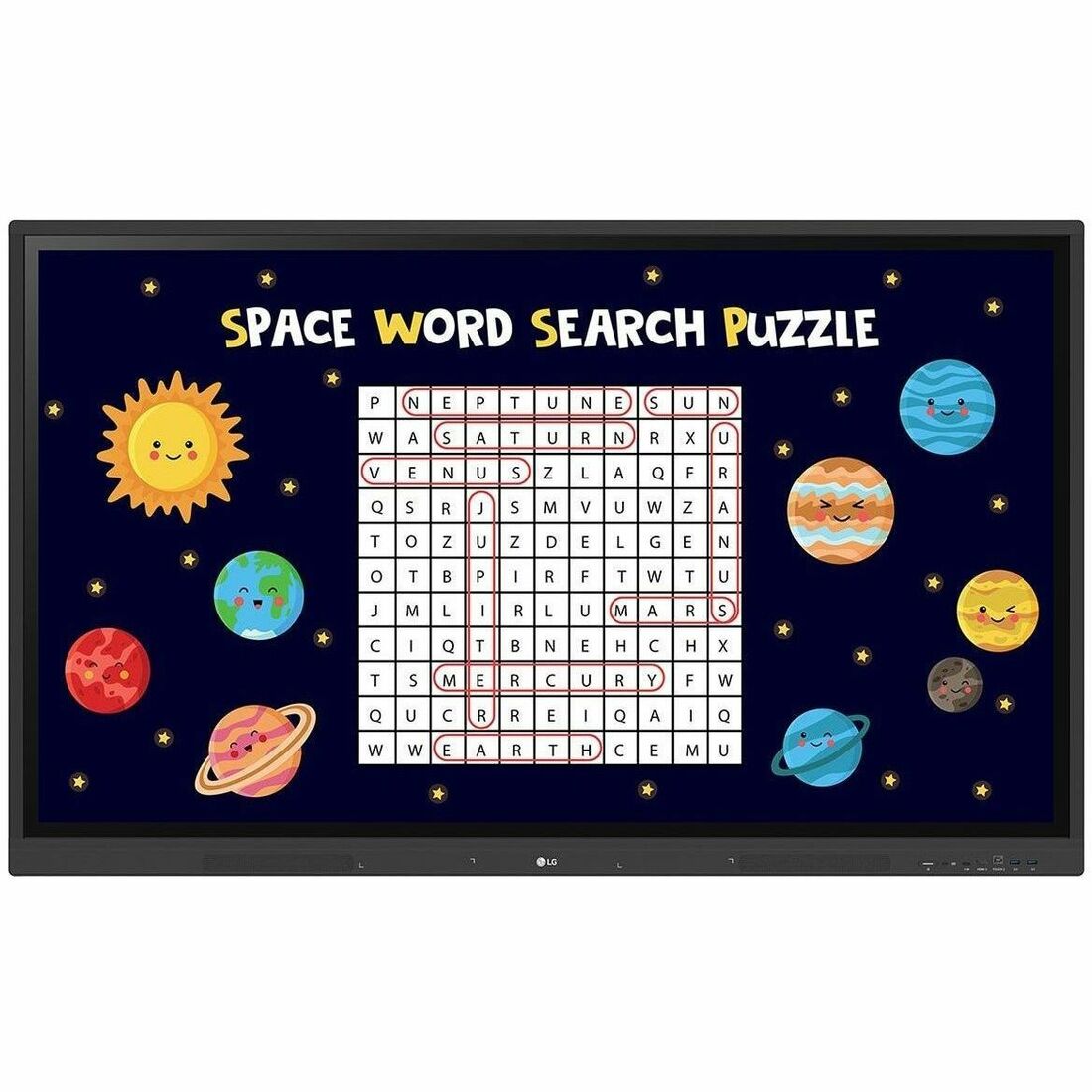
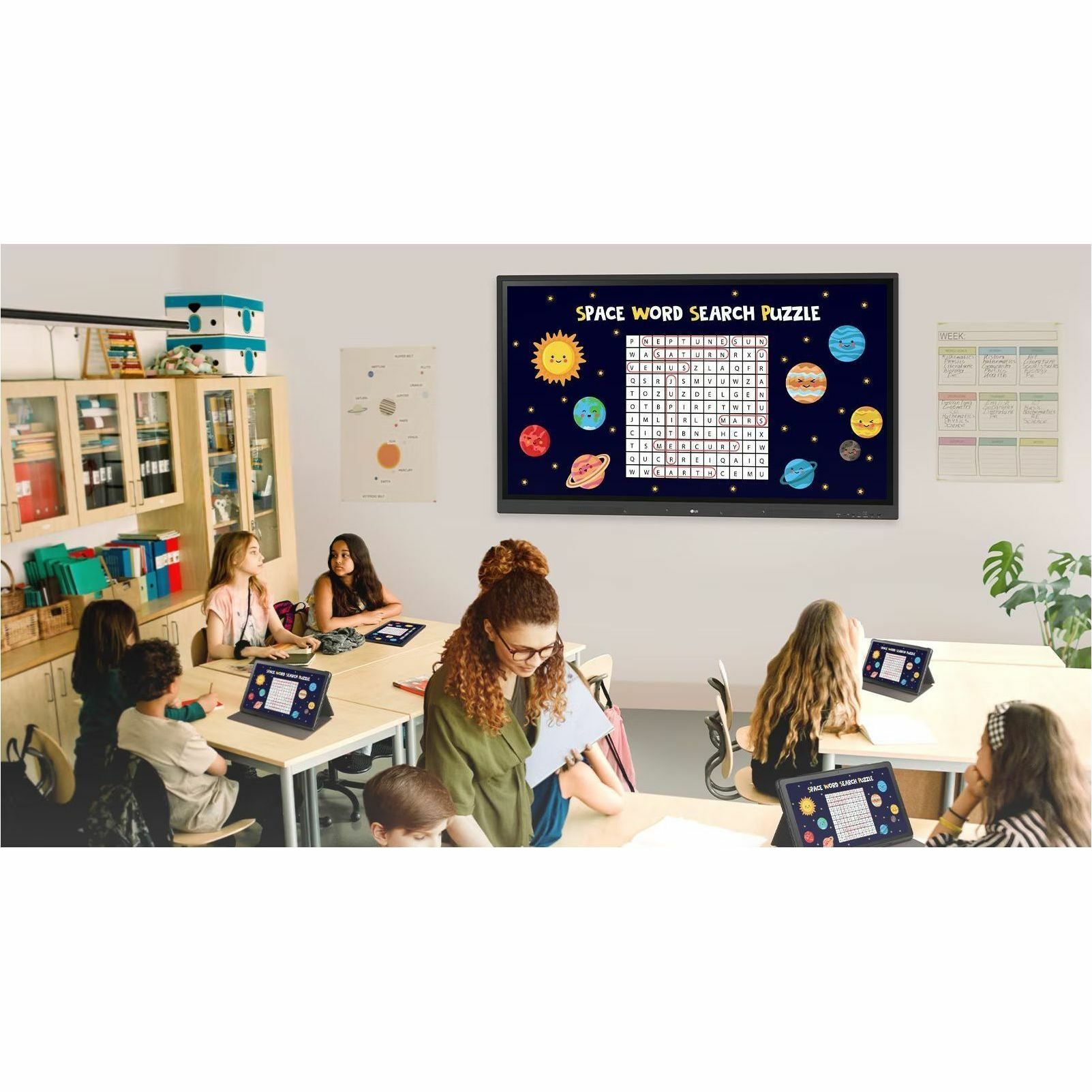
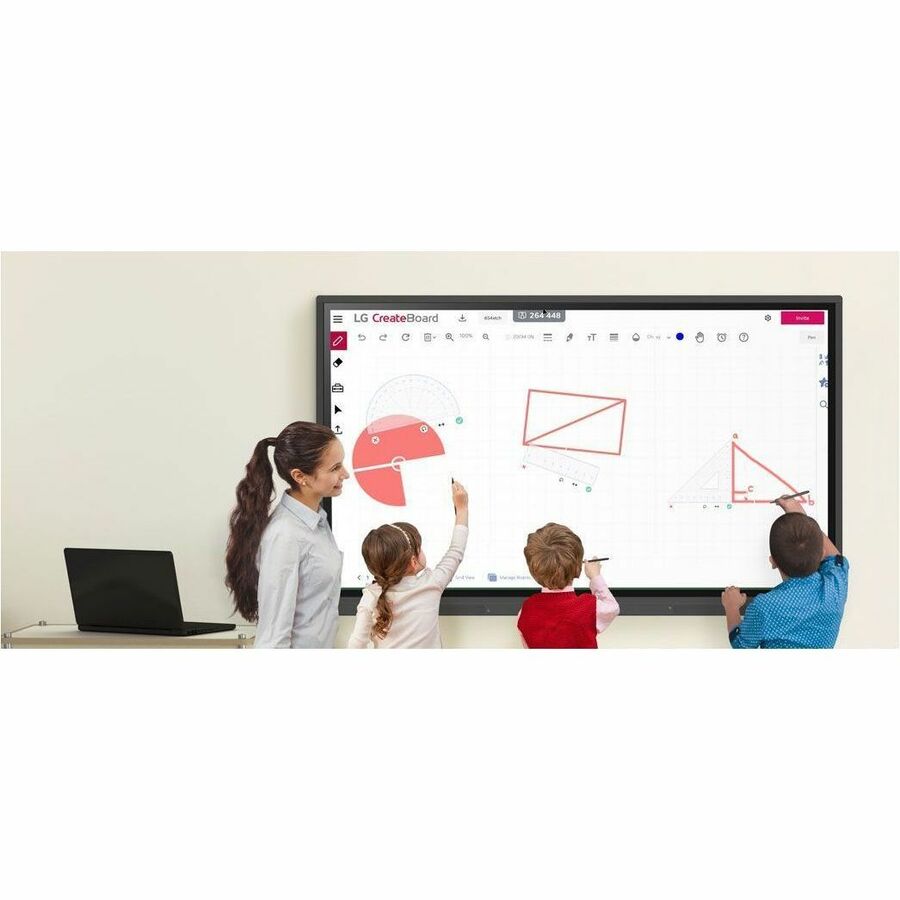
| Marketing Information | A New Level of Classroom with LG CreateBoard | Various Teaching Templates LG CreateBoard provides various templates and teaching tools, including a ruler, table, and sticky notes, helping promote active student engagement facilitating intuitive lessons. With LG CreateBoard, editing images and videos has become more accessible. It allows educators to share their created resources with others through QR codes. Multi-touch The LG CreateBoard can detect up to 40 touchpoints simultaneously, helping to create a realistic board touch experience for students. This multi-touch functionality helps students quickly become accustomed to the board, which may assist in maximising concentration and organic engagement during classroom sessions. Easy to Save / Import / Export LG CreateBoard has import and export functionality. Users can save and import resources directly to and from Google Drive or OneDrive. Files can also be imported from a USB drive, enabling users to browse resources saved on USB storage Wireless ScreenShare LG CreateBoard Share is a tool that allows users to display up to 9 shared screens or a file on a screen in real-time when the LG CreateBoard Share app is installed on their device. It also enables the host to send files to any devices connected to the LG CreateBoard Share app, and provides several quick controls for the host's convenience. LG ConnectedCare DMS LG ConnectedCare DMS is an optional cloud-based solution that enables remote monitoring, control, and management of LG CreateBoard devices installed in educational settings. With this feature, IT managers can operate and manage key resources on the devices without having to physically visit the sites. ConnectedCare DMS Remote Control Frequently used controls such as the power on/off, scheduling, brightness, and screen lock functions can be applied using a Remote Control Function over internet. Content including images, videos, audio messages, or live streaming can be remotely shared with connected devices. Broadcasting / Alert Messaging LG ConnectedCare DMS allows for the transmission of messages and other content from the main system to individual classroom devices. Threshold Settings Users can set thresholds in eight different categories, such as display temperature, memory usage, and signal strength, and receive warning or error notifications based on their threshold settings. Monitoring & Fault Diagnosis Real-time status checks and remote problem diagnosis are possible for IT managers. Additionally, issues can be categorised by their current status, allowing for easy viewing and swift responses. Issue Management The LG ConnectedCare DMS solution enables remote issue management. Bluetooth Connectivity LG CreateBoard supports wireless Bluetooth connections to various devices, including speakers, mouse, and keyboards. C-type Connection The USB-C connection enables the charging and simultaneous data transfer over a single cable. QR Login for Easy Cloud Access The QR code displayed on the LG CreateBoard's home screen streamlines class preparation by allowing for quick and easy device verification. With one single QR code scan, users can sign up for a range of apps on the LG CreateBoard, including Google Drive and OneDrive, without the need for additional login processes. After completing a lesson, users can simply click the Logout button to disconnect. |
| Product Type | Collaboration Display |
| Maximum Heat Generation | 1511.9 kJ |
| Typical Heat Generation | 792.3 kJ |
| Protection Glass Transmission | 88% |
| Features |
|
| Viewable Screen Size | 65" (1651 mm) |
| Screen Size Class | 65" (1651 mm) |
| Display Screen Technology | In-plane Switching (IPS) Technology |
| Backlight Technology | Direct LED |
| Screen Mode | UHD |
| Screen Resolution | 3840 x 2160 |
| Aspect Ratio | 16:9 |
| Response Time | 8 ms |
| Color Depth | 10-bit |
| Contrast Ratio | 1,200:1 |
| Display Orientation | Landscape |
| Brightness | 350 cd/m² |
| HDCP Supported | Yes |
| Horizontal Viewing Angle | 178° |
| Vertical Viewing Angle | 178° |
| Graphics Controller Manufacturer | ARM |
| Graphics Controller Model | Mali G52MP2 |
| Standard Refresh Rate | 60 Hz |
| Panel Life | Up to 30000 Hours |
| Operation Hours | 16 Hours/7 Days |
| Color Gamut | 72% NTSC |
| Multi-touch Screen | Yes |
| Number of Touch Points | 40 |
| Flash Memory Capacity | 8 GB |
| Speakers | Yes |
| Number of Speakers | 2 |
| RMS Output Power | 15 W |
| Wireless LAN | Yes |
| Wireless LAN Standard | IEEE 802.11 a/b/g/n/ac/ax |
| Bluetooth | Yes |
| Bluetooth Standard | Bluetooth 5.0 |
| HDMI | Yes |
| Number of HDMI Inputs | 3 |
| Total Number of USB Ports | 5 |
| Number of USB 2.0 Ports | 1 |
| Number of USB 3.0 Ports | 4 |
| Number of USB Type-C (Power Delivery) Ports | 1 |
| USB | Yes |
| Number of Network (RJ-45) Ports | 1 |
| Network (RJ-45) | Yes |
| Audio Line In | Yes |
| Number of VGA Ports | 1 |
| VGA | Yes |
| DisplayPort | No |
| Serial | No |
| Digital Audio Optical Out | Yes |
| Operating System Platform |
|
| Operating System |
|
| Software Included |
| Input Voltage |
|
| Power Consumption | 220 W |
| Standby Power Consumption | 500 mW |
| Bezel Color | Black |
| VESA Mount Standard | 600 x 400 |
| Bezel Width (Bottom) | 1.57" (40 mm) |
| Bezel Width (Left) | 0.59" (15 mm) |
| Bezel Width (Right) | 0.59" (15 mm) |
| Bezel Width (Top) | 0.59" (15 mm) |
| Height | 35.30" (896.62 mm) |
| Width | 58.60" (1488.44 mm) |
| Depth | 3.50" (88.90 mm) |
| Weight (Approximate) | 77.20 lb (35017.33 g) |
| Package Contents | |
| Additional Information | |
| Certifications & Standards | |
| Energy Star | Yes |
| Country of Origin | China |
| TAA Compliant | No |
| Condition | No |
| UPC | 0195174078587 |
| Limited Warranty | 3 Year |