
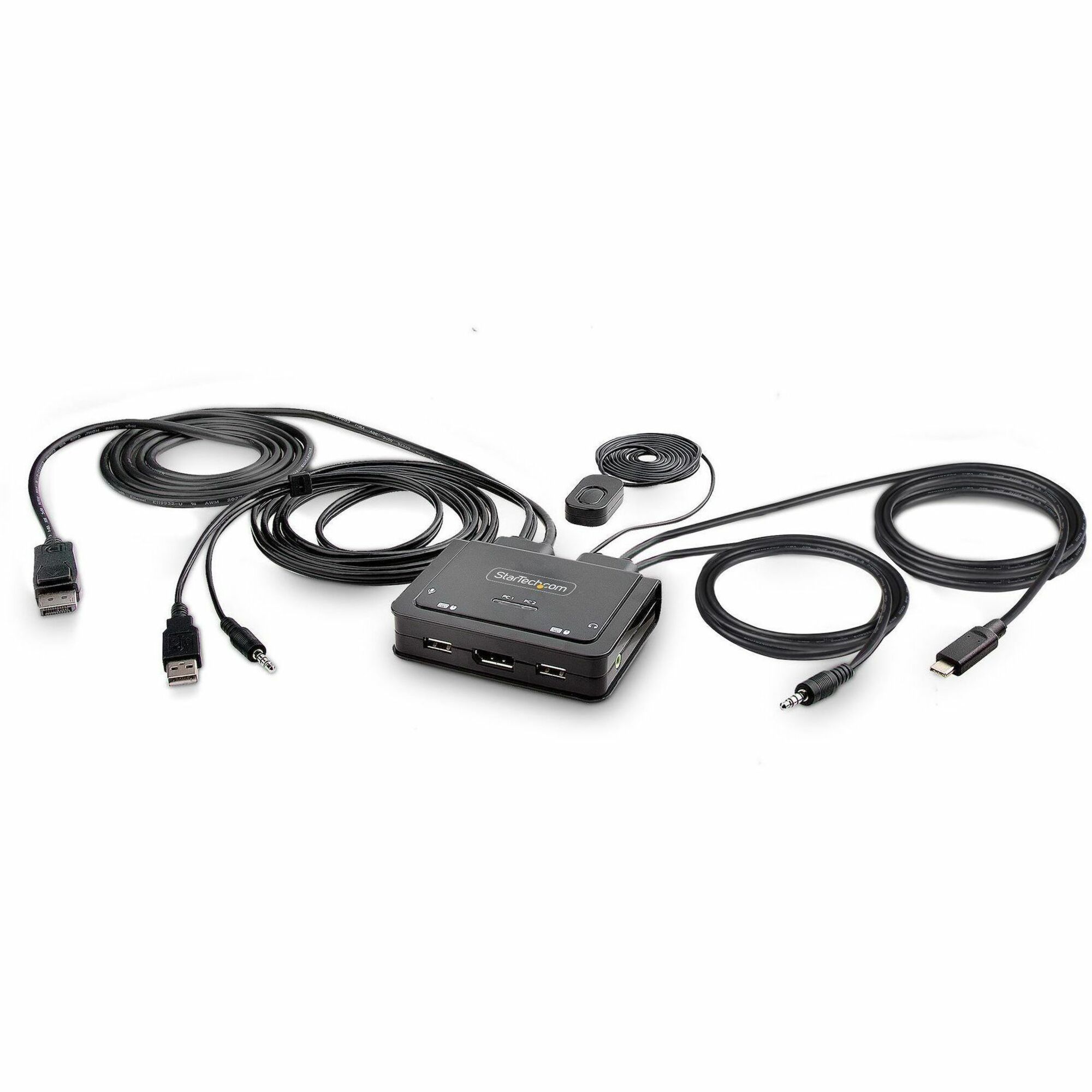
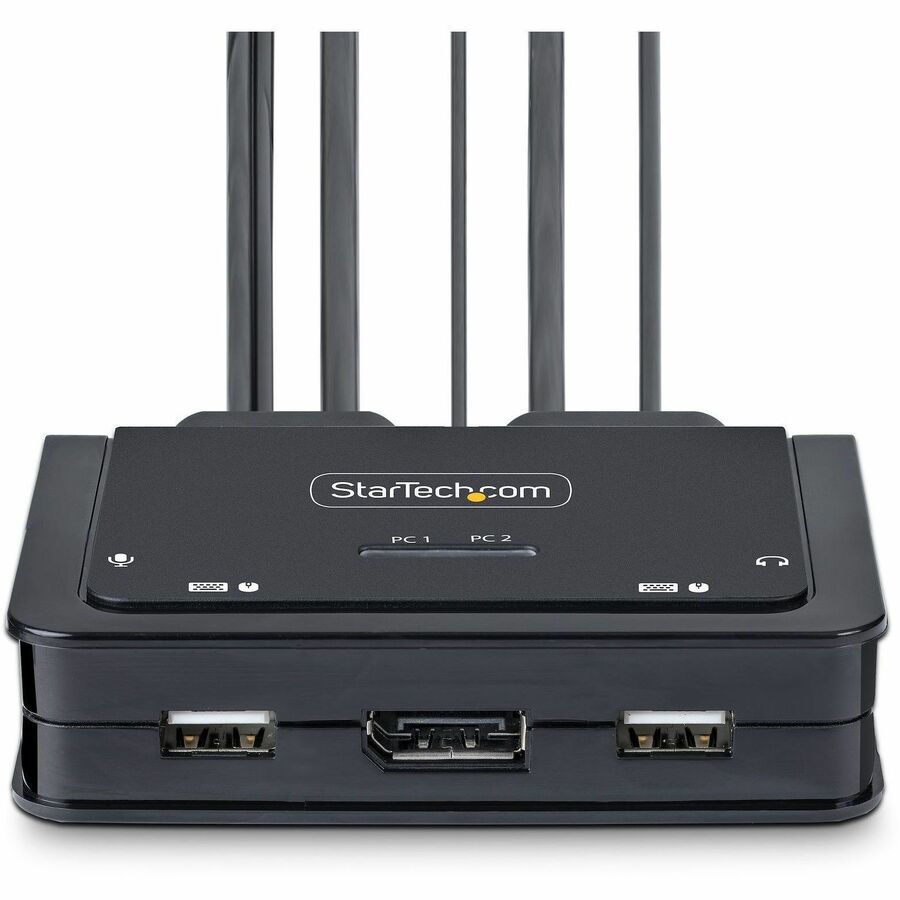
StarTech.com 2-Port Hybrid USB-C DisplayPort Cable KVM Switch, 4K 60Hz, Compact KVM with 6ft/1.8m USB-A & 4ft/1.2m USB-C Integrated Cables
In Stock Availability
- All Locations: (131+)
- Other_SY (131+)
- Toronto, ON (5+)
| Manufacturer | StarTech.com |
| Manufacturer Part Number | C2-D46-UAC-CBL-KVM |
| Brand Name | StarTech.com |
| Product Name | KVM Switchbox |
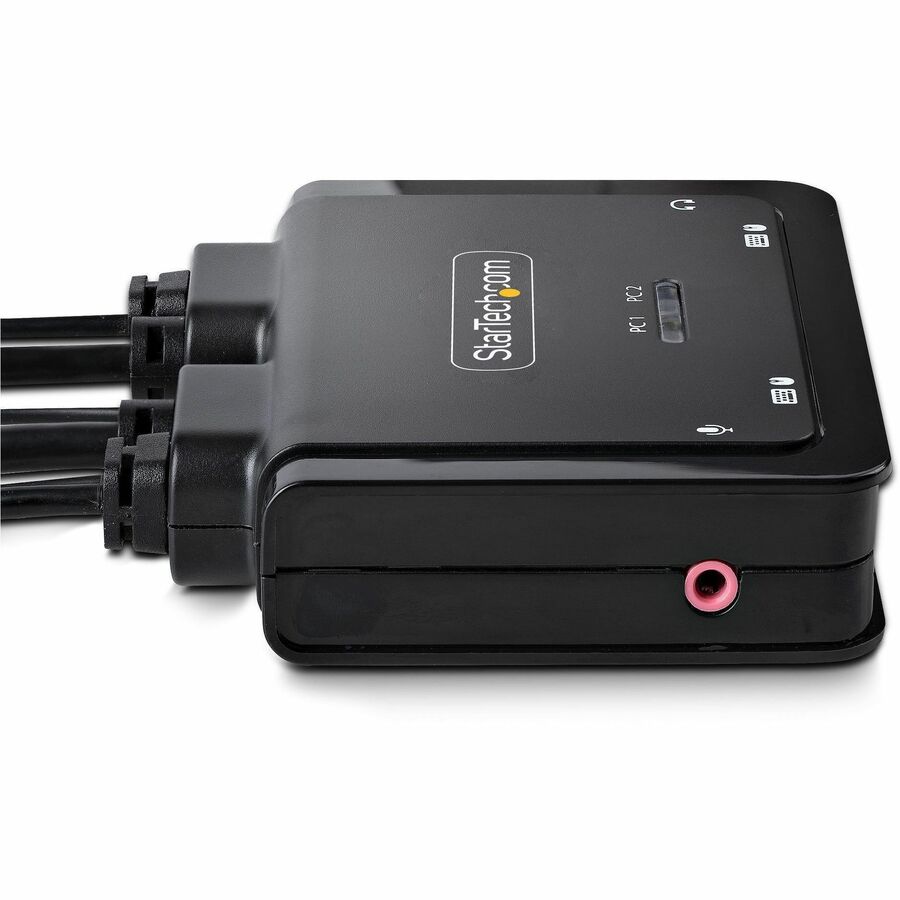
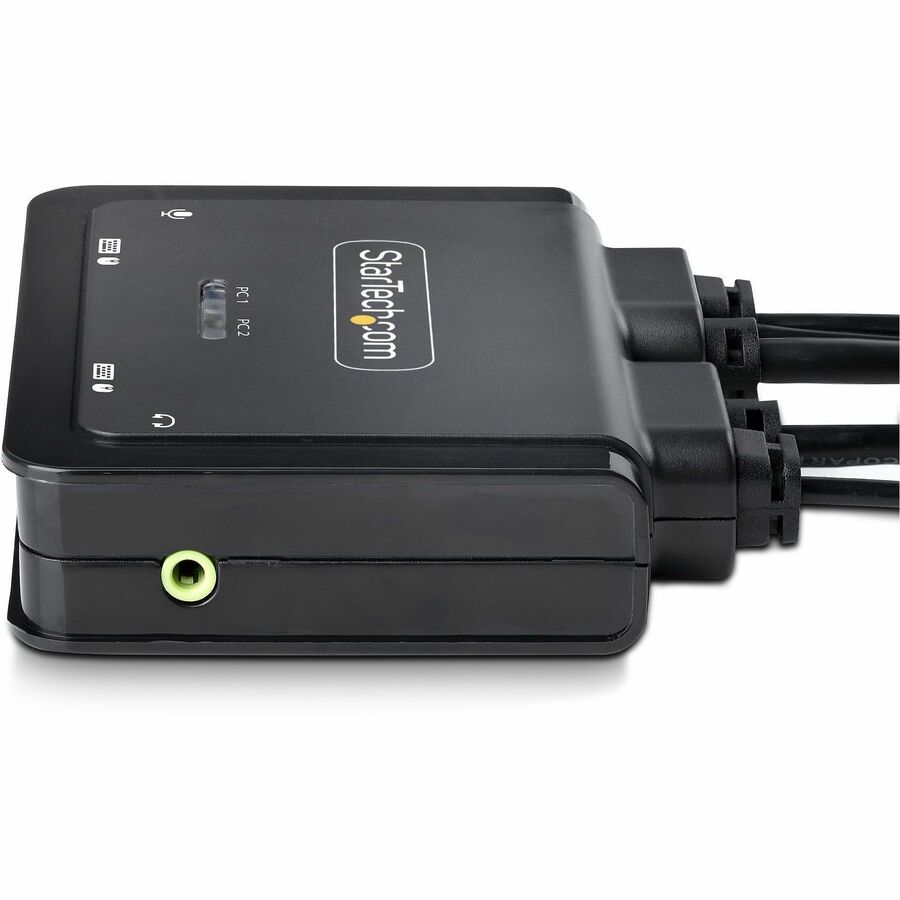
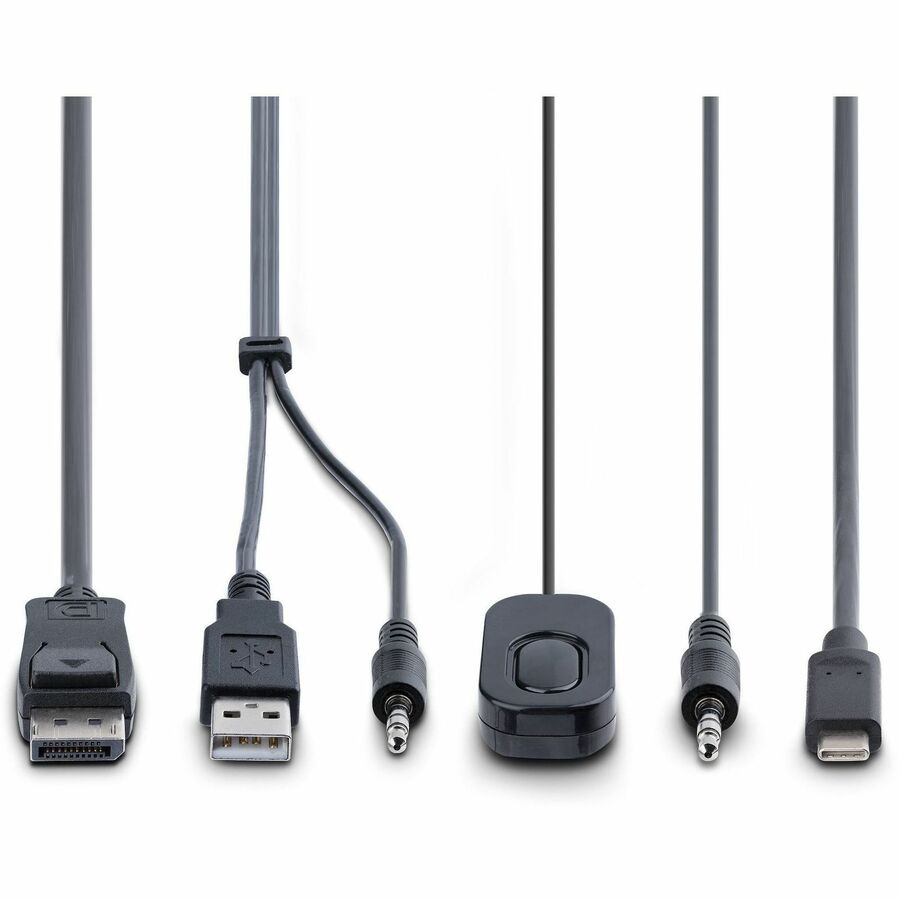
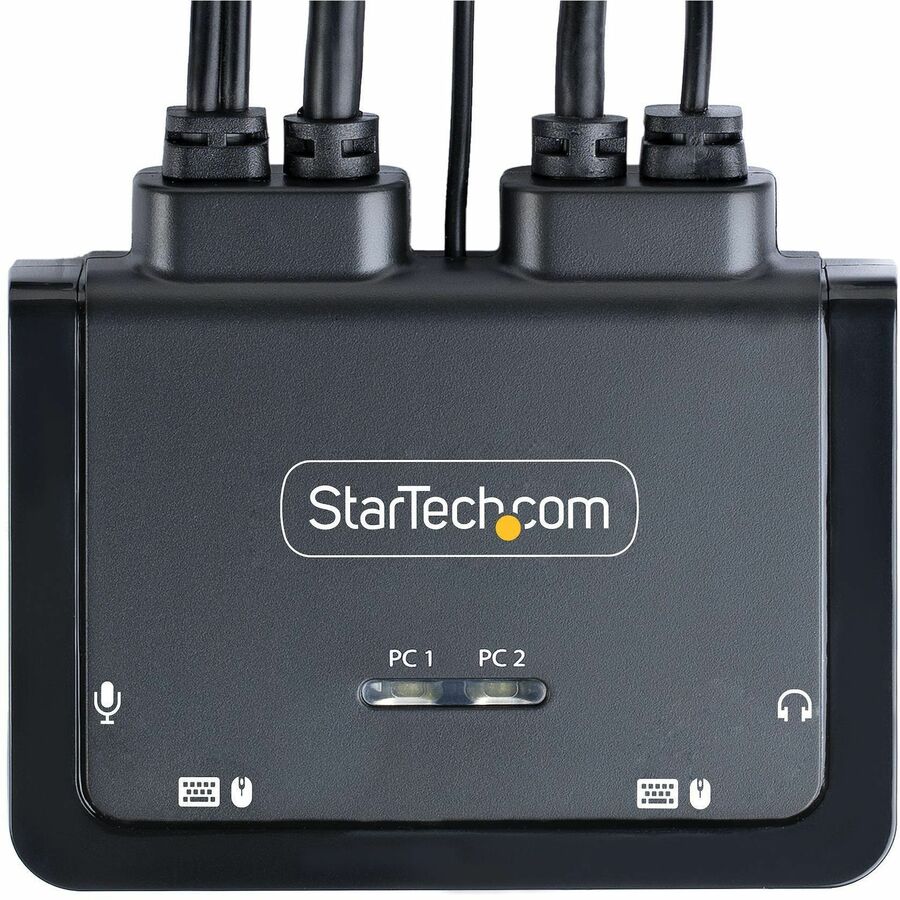
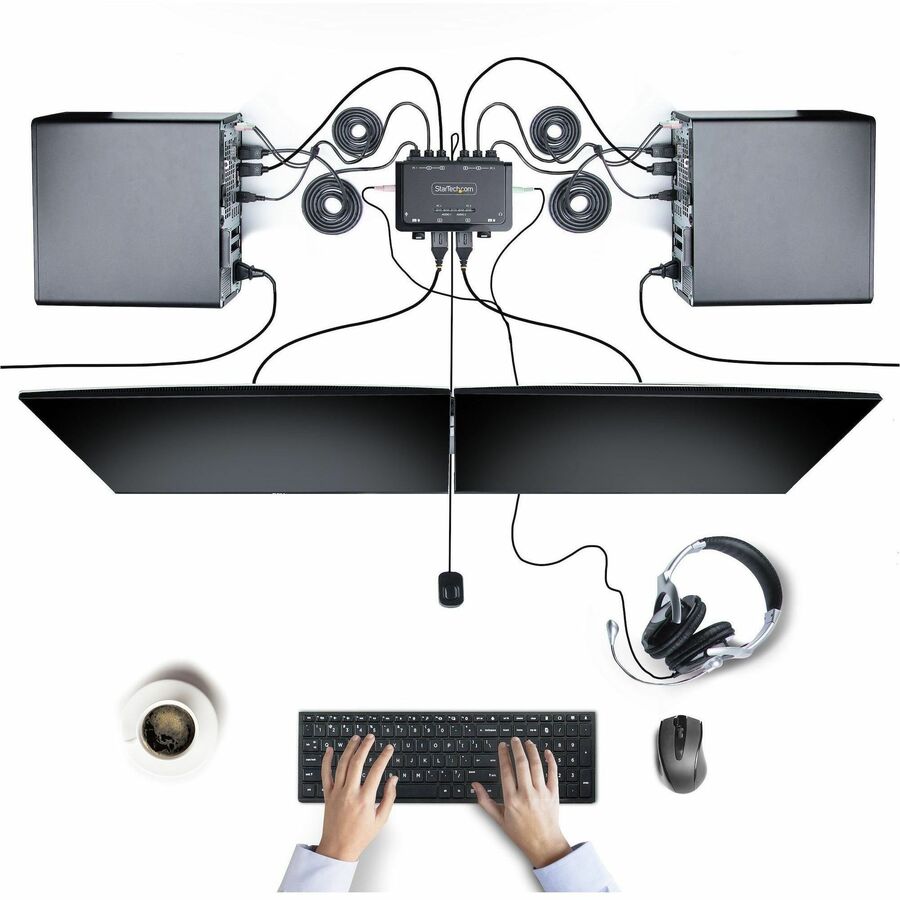
| Marketing Information | This Hybrid KVM Switch enables users to switch between a USB Type-A and DisplayPort-enabled desktop and a USB Type-C (DP Alt-Mode) enabled laptop, to share a keyboard, mouse, audio input/output devices, and a single 4K 60Hz DisplayPort monitor. Hassle-Free Setup The KVM switch is bus powered and features built-in DisplayPort, USB-A, USB-C, and 3.5mm Audio Input/Output cables. This ensures compatibility and performance between the KVM switch, monitors, and peripherals - without the need to select and purchase the cables required for those connections. Compatibility The 2-port KVM switch is compatible with all operating systems, including Windows, macOS, ChromeOS, and Linux. The KVM works with all hardware platforms including Intel, AMD, and Apple M1/M2. The USB-C host port works with USB-C, USB4, Thunderbolt 3, and Thunderbolt 4 laptops. If the desktop does not have a 4-position 3.5mm port the included 3.5mm Headset Adapter ensures compatibility out of the box. Intuitive Control The KVM switch offers two options to switch between hosts - a remote push button or hotkey commands, using the downloadable software. The remote push button includes a 1.5m cable for optimal placement in the setup. Independent audio switching can be achieved through the software, utilizing keyboard shortcuts (i.e., hotkeys), ensuring uninterrupted audio when switching between host devices. Enhance Productivity and Device Management with the StarTech.com Connectivity Tools Application Developed to improve performance and security, StarTech.com Connectivity Tools is the only software suite on the market that works with a wide range of IT connectivity accessories. The software suite includes:
|
| Packaged Quantity | 1 |
| Product Type | KVM Switchbox |
| Number of Computers Supported | 2 |
| Number of Local Users Supported | 1 |
| Device Type | Desktop KVM |
| Features |
|
| Graphic Mode | 4K |
| Maximum Video Resolution | 3840 x 2160 |
| USB | Yes |
| USB 2.0 | Yes |
| DisplayPort | Yes |
| Number of USB Ports | 4 |
| Number of DisplayPorts | 2 |
| Maximum Operating Temperature | 104°F (40°C) |
| Form Factor | Desktop |
| Height | 0.90" (22.86 mm) |
| Width | 3.10" (78.74 mm) |
| Depth | 3.70" (93.98 mm) |
| Weight (Approximate) | 13.40 oz (379.88 g) |
| Package Contents |
|
| Compatibility |
|
| Environmentally Friendly | Yes |
| Environmental Certification |
|
| Condition | No |
| UPC | 0065030899338 |
| Limited Warranty | 2 Year |